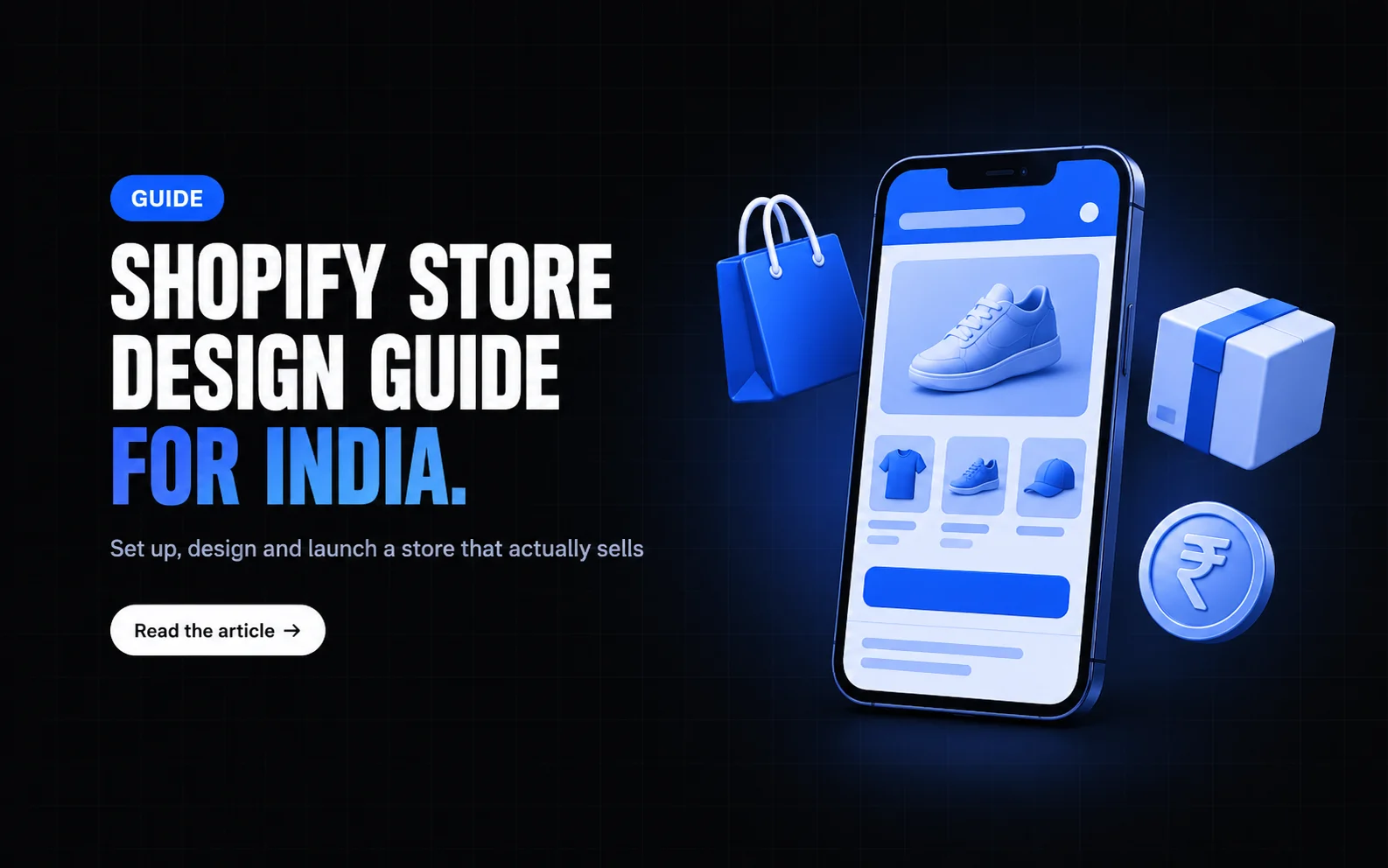
Shopify Website Design Guide for Indian Online Stores
Learn how to set up, design, and launch a Shopify website that converts visitors into customers, with practical steps tailored for Indian businesses.
Starting a Shopify website design for your Indian business begins with a clear goal: create an online store that looks professional, loads fast, and makes it easy for customers to pay in rupees. Whether you sell handicrafts, apparel, or digital services, a well‑planned Shopify website design helps you reach shoppers across cities and tiers, while keeping setup costs manageable. This guide walks you through each stage, from initial planning to launch, using only proven practices and tools available to Indian merchants.
Planning your Shopify website design for Indian market
Before you touch any settings, define what you want your store to achieve. List your main product categories, estimate monthly traffic, and decide on a budget for themes and apps. Research competitors who serve similar audiences — note their navigation, product images, and checkout flow. Write down the languages you’ll support (Hindi, English, regional) and the currencies you’ll accept (INR is essential). Sketch a simple sitemap: Home, Shop, About, Blog, Contact, and FAQ. Having this blueprint prevents costly redesigns later and ensures your Shopify website design aligns with your business goals.
Shopify website design: Choosing the right theme
Shopify offers free and paid themes that are mobile‑responsive out of the box. For Indian stores, prioritize themes that support large product images, quick loading, and easy integration with local payment gateways. Browse the Theme Store, filter by “Fast” and “Popular”, and preview each option with sample products. Look for built‑in features like a sticky header, multi‑language support, and a promotions bar — these reduce the need for extra apps. Once you pick a theme, purchase or install it, then activate it as your live theme. Remember, a lightweight theme keeps page speed high, which improves both user experience and Google rankings.
Customizing your store: branding, language and currency
With your theme live, start customizing. Upload your logo in the header section, set brand colors that match your offline identity, and choose readable fonts (Sans‑serif works well for Hindi and English). Enable the multi‑language feature if you plan to offer Hindi versions; Shopify’s native settings let you duplicate pages and translate them manually or via third‑party apps. Under Settings → Payments, ensure the currency is set to Indian Rupee (₹) and enable automatic currency detection for international visitors. Adjust tax settings to reflect GST rates applicable to your product category — most themes display tax inclusive prices by default, but double‑check the checkout page for accuracy.
Adding products and setting up Indian payment gateways
Now add your inventory. For each product, write a clear title, detailed description, and upload at least three high‑resolution images (front, back, lifestyle). Use the variant editor for sizes, colors, or weight, and set SKU codes that match your offline inventory system. Pricing should include GST; you can display prices as “₹1,299 (inclusive of all taxes)” to build trust.
For payments, Shopify’s built‑in Shopify Payments is not yet available in India, so integrate local gateways. Popular options include Razorpay, PayU, Paytm, and CCAvenue. In Settings → Payments, choose “Alternative payment methods”, connect your Razorpay account by entering API keys, and enable UPI, credit/debit cards, net banking, and wallets. Test each method using the gateway’s sandbox mode to confirm that orders route correctly and that customers see ₹ amounts throughout.
Don’t forget shipping: define zones (domestic, international), set rates based on weight or order value, and integrate with carriers like Delhivery, Ecom Express, or India Post. Offer cash‑on‑delivery if your target audience prefers it, but note the additional handling cost.
Launching, testing and promoting your Shopify store
Before going live, run a full test order. Use a dummy coupon to make a purchase, verify that the confirmation email arrives in both English and Hindi (if enabled), and check that the order appears in your admin with correct tax and shipping totals. Test mobile responsiveness on various devices — most Indian shoppers browse on smartphones, so ensure buttons are tappable and text is legible without zooming.
Once satisfied, remove any password protection from Online Store → Preferences and announce your launch. Share the store link on your existing social media profiles, send a WhatsApp broadcast to your customer list, and consider a small budget for Facebook or Instagram ads targeting interests relevant to your niche. Monitor analytics weekly: track sessions, conversion rate, and average order value. Use this data to tweak product descriptions, adjust ad targeting, or add trust badges (like secure payment icons) to improve performance.
By following these steps, your Shopify website design will be ready to serve Indian customers efficiently, accept payments in rupees, and grow alongside your business.
---
*How The Creative Dudes can help* If you need assistance picking a theme, configuring Indian payment gateways, or setting up GST‑aware product listings, our team at The Creative Dudes offers focused support for Shopify stores. We handle the technical setup so you can focus on running your business and connecting with customers. No hard sell, just practical help tailored to your goals.
Want a website that sells?
We design and build fast websites and online stores that rank on Google and turn visitors into customers.
Before you ask
Questions about this one
Usually just fixes. We audit first and say honestly whether speed, clarity and the offer can be sorted on the site you have — that’s cheaper and faster than starting again.
It should feel usable in about two seconds on a normal phone connection. Oversized images and third-party scripts are almost always what’s slowing it down.
Yes — design and development is one of our services, and every site we build is measured on whether it converts, not just how it looks.
The newsletter
One useful email, now and then
New articles as they land — what’s changing in search and AI answers, and what we’d do about it. No pitching, unsubscribe in one click.